Samsung Galaxy S22 Series Receives Android 16-Based One UI 8 Update — New Features, Design, and UI Changes
Technology Desk, New Delhi
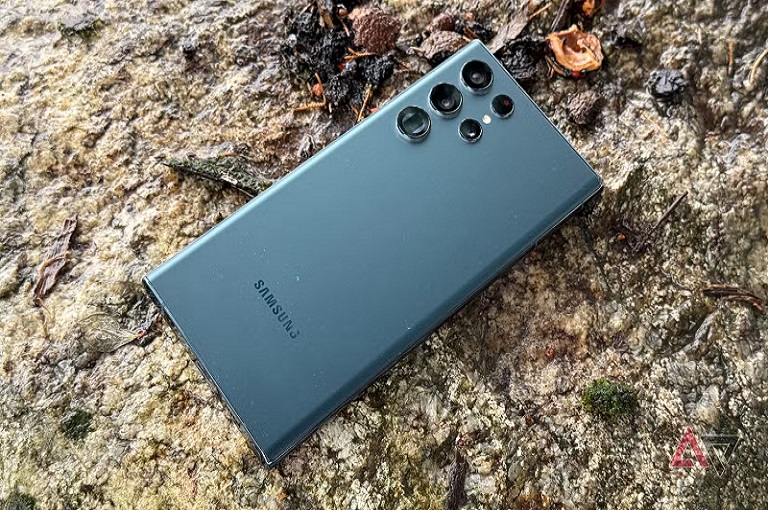
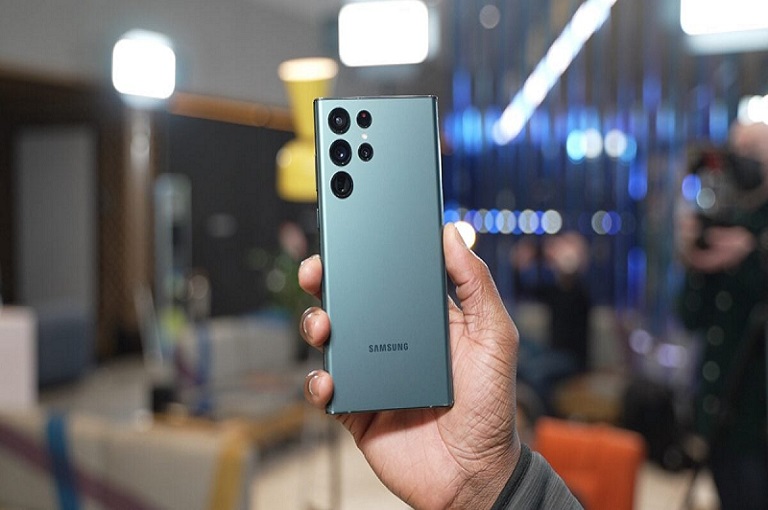
Samsung has started rolling out the Android 16-based One UI 8 update for its popular Galaxy S22 series in Europe. This latest update brings a host of new features, redesigned elements, and an improved user interface. After reaching the Galaxy S24 FE and Galaxy S25 series earlier, the update has now arrived for the Galaxy S22, S22+, and S22 Ultra models.
One UI 8 Based on Android 16: What’s New?
Samsung’s One UI 8 isn’t just a regular software update — it’s a major overhaul that enhances both performance and user experience. Based on Android 16, it introduces a cleaner design, more personalization options, and new AI-powered tools.
The update carries build numbers S908BXXUIGYI7, S908BOXMIGYI7, and S908BXXUIGYI7, rolled out across Europe. The Indian variants are expected to receive it in the coming weeks.
What’s Changing for Galaxy S22 Users
The One UI 8 update delivers a fresh, smoother interface and several quality-of-life improvements. From revamped icons to smarter apps, the overall feel is faster and more elegant.
1. Redesigned App Icons and Visuals
- Default apps like My Files, Quick Share, and Reminders now feature new, minimalist icons.
- The redesigned visuals offer a premium, flat, and natural color scheme for a modern look.
2. New Settings Menu Layout
- The Settings app gets a complete redesign, making navigation and search faster.
- Categories are reorganized, helping users locate specific options with ease.
3. Enhanced Performance and Smooth Animations
- System animations are now more fluid, improving transitions and scrolling.
- The adaptive refresh rate intelligently adjusts for smoother visuals and better battery life.
4. Upgraded Alarms and Calendar Apps
- The Alarm app adds new tones and visual themes.
- The Calendar app introduces smart event recognition that automatically adds events from emails or messages.
- Managing holidays and meetings is now easier than ever.
5. Smarter Samsung Health Experience
- Samsung Health gets AI-powered insights for fitness tracking and sleep analysis.
- It now provides personalized exercise suggestions based on user habits and activity patterns.
Live Updates: Real-Time Info at a Glance
One of the biggest highlights of One UI 8 is the Live Updates feature, which provides real-time information directly on the home or lock screen.
Users can see live weather updates, sports scores, and activity tracking without opening any app — making it a productivity booster for everyday life.
‘Now Brief’ Feature Missing for Now
Reports suggest that the Now Brief feature, available on the Galaxy S24 FE and S25 series, hasn’t been added to the S22 lineup yet. However, Samsung is expected to include it in a future minor update.
Major User Interface Improvements
Samsung has refined its interface elements across the system to offer a clean, consistent look and feel.
Redesigned UI Elements
- Buttons, toggles, and cards now feature rounded, cleaner layouts.
- The notification panel and quick settings menu sport a new layout.
- Fonts and color tones are more refined for a visually appealing experience.
Smarter AI Integration
- Samsung’s AI tools now understand user behavior more deeply, suggesting power modes, app management tips, and battery-saving features.
- The phone automatically learns and adapts to your daily routine.
AI-Powered Gallery Enhancements
- The Gallery app now offers AI editing tools that let you remove objects or change backgrounds in photos.
- Brightness and color balance are auto-adjusted for natural-looking pictures.
Security and Privacy Enhancements
Samsung and Android 16 both emphasize security and privacy improvements in One UI 8.
- Users now have greater control over data access permissions for each app.
- Background activity is restricted for unused apps.
- A new Privacy Dashboard provides a complete overview of which apps access your camera, microphone, and location.
How to Download the One UI 8 Update on Galaxy S22
To install the Android 16-based One UI 8 update, follow these steps:
- Open Settings on your Galaxy S22, S22+, or S22 Ultra.
- Tap on Software update.
- Select Check for updates.
- If the One UI 8 update appears, tap Download and install.
- Make sure your phone is connected to Wi-Fi and sufficiently charged.
Once downloaded, the update will install automatically and the device will restart with the new software.
Performance and Battery Optimization
Samsung has also optimized battery efficiency with One UI 8.
- The phone now learns usage habits to reduce background power consumption.
- Unused apps automatically enter sleep mode to conserve energy.
- The Power Saving mode has become more customizable.
When Will It Arrive in India?
Currently, the update is available only for European users.
Samsung typically rolls out updates in phases, so Indian and Asian users can expect the One UI 8 rollout by mid or late October.
While no official date has been announced yet, the update is expected soon based on the company’s release pattern.
Conclusion: A Big Upgrade for Galaxy S22 Users
The Android 16-based One UI 8 update is one of Samsung’s most significant software releases for the Galaxy S22 series.
It enhances not just aesthetics, but also speed, customization, and security.
With redesigned icons, smoother transitions, and AI-powered tools, One UI 8 makes daily use more intuitive and visually appealing.
Features like Live Updates, smarter Health tracking, and refined Settings navigation make the Galaxy S22 lineup feel new again.
If you own a Galaxy S22, S22+, or S22 Ultra, this update is definitely worth downloading. It proves Samsung’s ongoing commitment to keeping its flagship devices modern, powerful, and future-ready.
In summary:
- One UI 8 is based on Android 16.
- Rollout started in Europe for Galaxy S22, S22+, and S22 Ultra.
- Brings new icons, redesigned UI, AI features, and enhanced performance.
- India rollout expected soon.
- A smoother, safer, and more responsive experience overall.
This is not just an update — it’s a complete transformation for Galaxy S22 users.
About The Author